
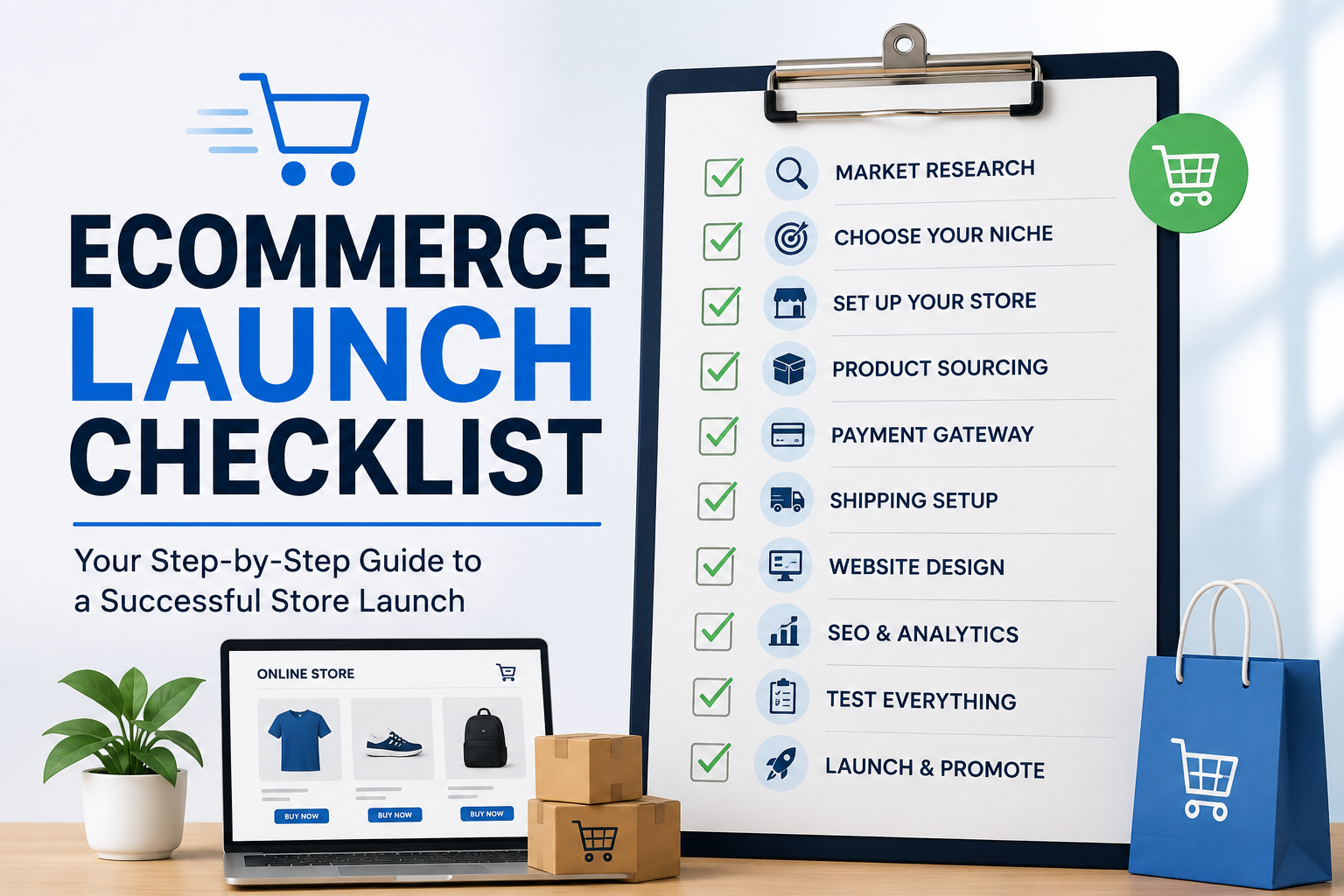
You’ve picked a platform, built the theme, loaded the products, and set a launch date. That’s the easy part.
Most stores don’t fail because of a bad idea they fail on the boring stuff nobody double-checks: a broken checkout on mobile, a tax rate that’s wrong for one region, an SSL warning that scares off the first hundred visitors, or an order confirmation email that never arrives.
This is the actual ecommerce launch checklist we run internally before any store goes live. It’s not theoretical, it’s the same online store launch checklist our team works through on every project, in the same order, every time. We’re sharing it because most of these checks take five minutes each, but skipping any one of them can cost a launch week’s worth of trust.
Grab a coffee, work through the sections below, and don’t flip the “go live” switch until every box is ticked. There’s a free downloadable version at the bottom if you’d rather print it out and check things off by hand.
How to use this website go-live checklist
Work through the five sections in order: technical, payments, legal, marketing, and tracking. Each check is something you can verify in under ten minutes most in under two. If you’re launching with a small team, split the sections between people rather than trying to run every check yourself; a second set of eyes catches things the person who built the store stops seeing.
Technical checks
Nothing else matters if the site itself doesn’t work reliably.
- SSL is installed and forces HTTPS everywhere. Check that every page not just checkout redirects from http:// to https://, and that there are no mixed-content warnings on product or cart pages.
- Mobile responsiveness on real devices. Emulators miss things. Load the homepage, a product page, the cart, and checkout on an actual phone and tablet, not just a browser resize.
- Site speed is acceptable on mobile. Aim for a homepage and product page load under three seconds on a throttled mobile connection. Compress hero images before launch, not after.
- 404 pages are custom and helpful. A default server error page loses a visitor for good; a custom 404 with a search bar and link back to the homepage gives them a second chance.
- Redirects are in place for any changed URLs. If this is a replatform or redesign, map every old URL to its new equivalent so you don’t hand Google (or your backlinks) a wall of dead links.
- Broken links are cleared. Run a crawl of the whole site before launch internal links, footer links, and anything pointing to placeholder pages.
- Search function returns relevant results. Test with a misspelled product name, a category term, and a SKU.
- Site works with JavaScript disabled or slow-loading. A surprising number of “add to cart” buttons silently fail if a script hasn’t loaded yet.
- Backups are configured and tested. Confirm a backup has actually run successfully and that you know how to restore from it not just that the backup toggle is switched on.
- Staging environment is locked down or removed. Make sure the dev/staging version isn’t still indexable or publicly accessible once the live site is up.
Payments checks
This is where lost trust turns into lost revenue immediately.
- All payment methods are tested with real test transactions, not just configured. Most gateways (Stripe, PayPal, Shopify Payments) offer a sandbox or test mode use it for a full transaction, refund, and partial refund before switching to live keys.
- Currency and pricing display correctly for every region you sell to, including any auto-currency-conversion behaviour.
- Tax settings are configured correctly for every jurisdiction you sell into. This is one of the most commonly skipped checks and one of the most expensive to get wrong after the fact.
- Shipping rates and zones are accurate, including any free-shipping thresholds and international zones.
- Abandoned cart recovery is active and the email/SMS actually fires send yourself a test abandoned cart to confirm.
- Discount codes and gift cards work as intended, including expiry dates and any stacking rules.
- Failed payment handling is graceful a declined card should show a clear, specific error, not a generic crash.
- Refund and cancellation processes are documented and tested internally, so support staff aren’t improvising on day one.
How do I test payments safely?
Use your payment gateway’s sandbox or test mode with the provided test card numbers never a real card for functional testing. Run through a full purchase, a partial refund, and a full refund in test mode, then place one final low-value real order once you switch to live keys, and refund it yourself, to confirm the live environment behaves the same way the sandbox did.
Legal checks
Skipping these isn’t just risky in some regions it’s non-compliant from day one.
- Privacy policy is published and accurate, reflecting the data you actually collect (analytics, marketing pixels, email capture).
- Terms and conditions cover returns, delivery, and liability clearly enough that a customer dispute has something to point to.
- Cookie consent banner is compliant with the rules for your target markets, not just a dismiss button that does nothing.
- Returns and refund policy is visible before checkout, not buried in a footer link nobody finds.
- Age or region restrictions are enforced if you sell anything regulated.
What legal pages does a UK store need?
A UK-based store generally needs a privacy policy that reflects UK GDPR requirements, clear terms and conditions covering distance-selling rules (including the 14-day cooling-off period for most goods), a returns and refunds policy, and a cookie policy with genuine opt-in consent not a banner that assumes consent by default. Company registration details also need to be disclosed if you’re a registered business. This isn’t legal advice for anything jurisdiction-specific, check with a solicitor before launch.
Marketing checks
The store working is only half the job people need to find it and want to buy from it.
- SEO basics are in place: unique title tags and meta descriptions on every page, a clean URL structure, and alt text on product images.
- Sitemap is generated and submitted to Google Search Console and Bing Webmaster Tools.
- Social sharing previews look right check how a product page renders when shared on WhatsApp, Facebook, and X, not just that Open Graph tags exist.
- Launch email and social posts are scheduled, along with any launch-day promotion or discount code.
When to submit sitemap?
Submit your sitemap as close to launch as possible ideally the same day the site goes fully live and public, rather than while it’s still in a soft-launch or password-protected state. Submitting too early, while pages are incomplete or blocked from indexing, can slow down how quickly Google trusts and crawls the finished site.
Tracking checks
If you can’t measure it, you can’t fix it after launch.
- Analytics is installed and firing correctly verify in real time that a test visit and a test purchase both show up, not just that the tracking code is present in the page source.
- Transactional emails are tested end-to-end: order confirmation, shipping confirmation, and password reset should all land in an inbox (not spam) within a few minutes of triggering them.
Bonus checks worth adding once you’re comfortable with the 30 above: conversion goals set up for checkout completion, e-commerce tracking enabled (not just pageview tracking), and a UTM strategy in place for your launch-day marketing spend.
Get the downloadable checklist
We’ve turned this into a printable PDF so you can check items off as you go, section by section, without scrolling back through this page. [Download the free 30-point ecommerce launch checklist PDF] and run it against your own store this week.
A few things this checklist won’t catch
No pre-launch checklist replaces load testing if you’re expecting a big traffic spike on day one, and none of this substitutes for a proper staging-to-production deployment process if you’re launching a replatform rather than a brand-new store. It’s also worth pairing this with a post-launch monitoring routine for the first two weeks, and if tax and legal compliance feels like the riskiest part of this list, our guide to ecommerce tax and legal basics goes deeper on that section specifically.
FAQs
How do I test payments safely? Use sandbox/test mode with your gateway’s official test card numbers for functional testing, run a full purchase-and-refund cycle, then confirm the live environment separately with one small real transaction that you refund yourself.
What legal pages does a UK store need? At minimum: a privacy policy, terms and conditions covering distance-selling and returns, a cookie consent mechanism with genuine opt-in, and disclosed business registration details. Confirm specifics with a solicitor, since requirements vary by what you sell and where you ship.
When to submit sitemap? Submit it the day the site is fully live and publicly indexable not earlier, while pages are still incomplete or gated behind a staging password.
We run this checklist on every launch or run it for you
This is the exact process our team works through before we let any client’s store go live not a generic list assembled for this article. If you’d rather have someone else run these 30 checks (and the ones that don’t make a public checklist), our e-commerce services team can handle your launch end to end, or review a launch you’ve already scheduled before you flip the switch.